

How it works

See the work move—not just the final screen.

Every workflow starts with a clear signal, applies automation, keeps control visible and finishes with evidence a person can verify.

One operating model

The same logic makes every workflow easy to follow.

A signal arrivesRequest, record or question
Automation processes itRead, check and calculate
Control stays visibleApproval or acceptance
A result is recordedConfirmation and evidence

Follow each journey

Three real workflows, explained from beginning to end.

Start with the plain-language story. Open a demonstration only when you want to inspect the working detail.

01
Visible control pointThe offer must be accepted before assignment

From request to confirmed shift

Shift automation

An incoming request is read, checked and offered to suitable staff before an accepted offer becomes a confirmed assignment.

01Request arrives
02Details checked
03Staff offered
04Acceptance recorded
05Shift confirmed
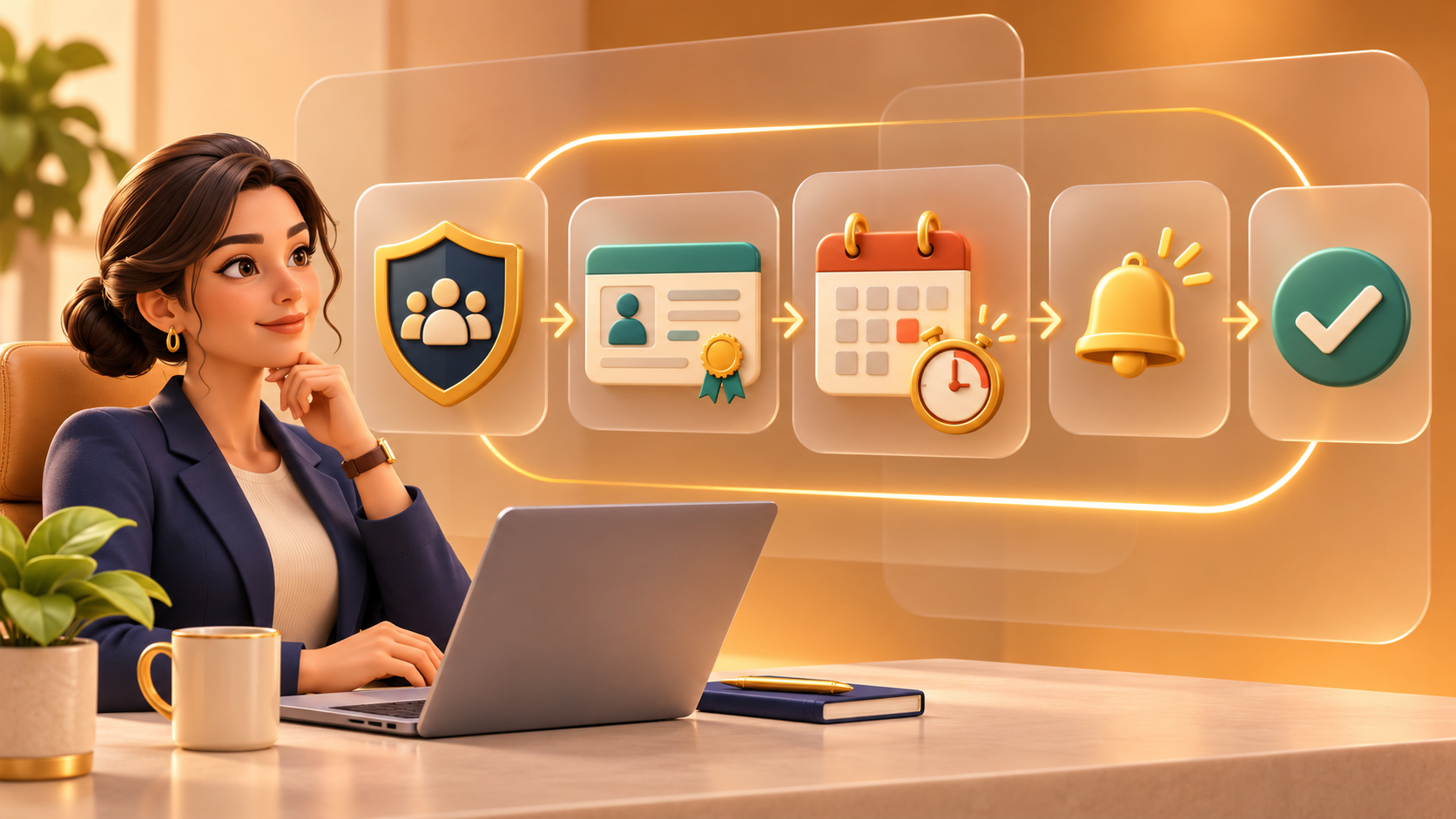
02
Visible control pointApproval rules control when reminders proceed

From expiry risk to recorded evidence

Compliance automation

Workforce records are reviewed for upcoming risks, reminders are prepared and every controlled action leaves a visible trail.

01Records reviewed
02Expiry risk found
03Approval applied
04Reminder prepared
05Evidence recorded
03
Visible control pointAnalytics remains read-only and never changes records

From a question to a verified explanation

AI workforce analytics

A plain-language question selects the relevant demonstration records, calculates the result and explains the operational picture.

01Question asked
02Records selected
03KPIs calculated
04Charts generated
05Insights explained

What to look for

Five questions. Five clear answers.

Use these answers as a simple checklist when you explore any workflow. They make the trigger, automation, human control and final evidence easy to understand.

Choose a question to reveal its answer

Click any card above to explore the workflow logic one answer at a time.

Simple first. Interactive when useful.

The website explains the purpose and journey before showing detailed controls. The demonstrations let you inspect generated emails, audit events, compliance records and charts without making the public experience feel like a portal.

Beginner friendly

Plain language appears before detailed controls.

Working demonstrations

The detailed workflow remains one click away.

Evidence based

Each outcome can be traced to visible records.

Control stays clear

Approval and validation points are never hidden.